This is Step 1 of 3. By following these three videos you will be able to reset the system and save your game.
Step 1 — Prepare the simulator
Close any running rounds and return to the main menu.
Make sure clubs, balls and any personal items are removed from the bay.
Confirm all players have finished and logged out of their profiles.
If a coaching or practice mode was active, exit to the default play screen.
Next: Proceed to Step 2 after you’ve completed these prep actions.
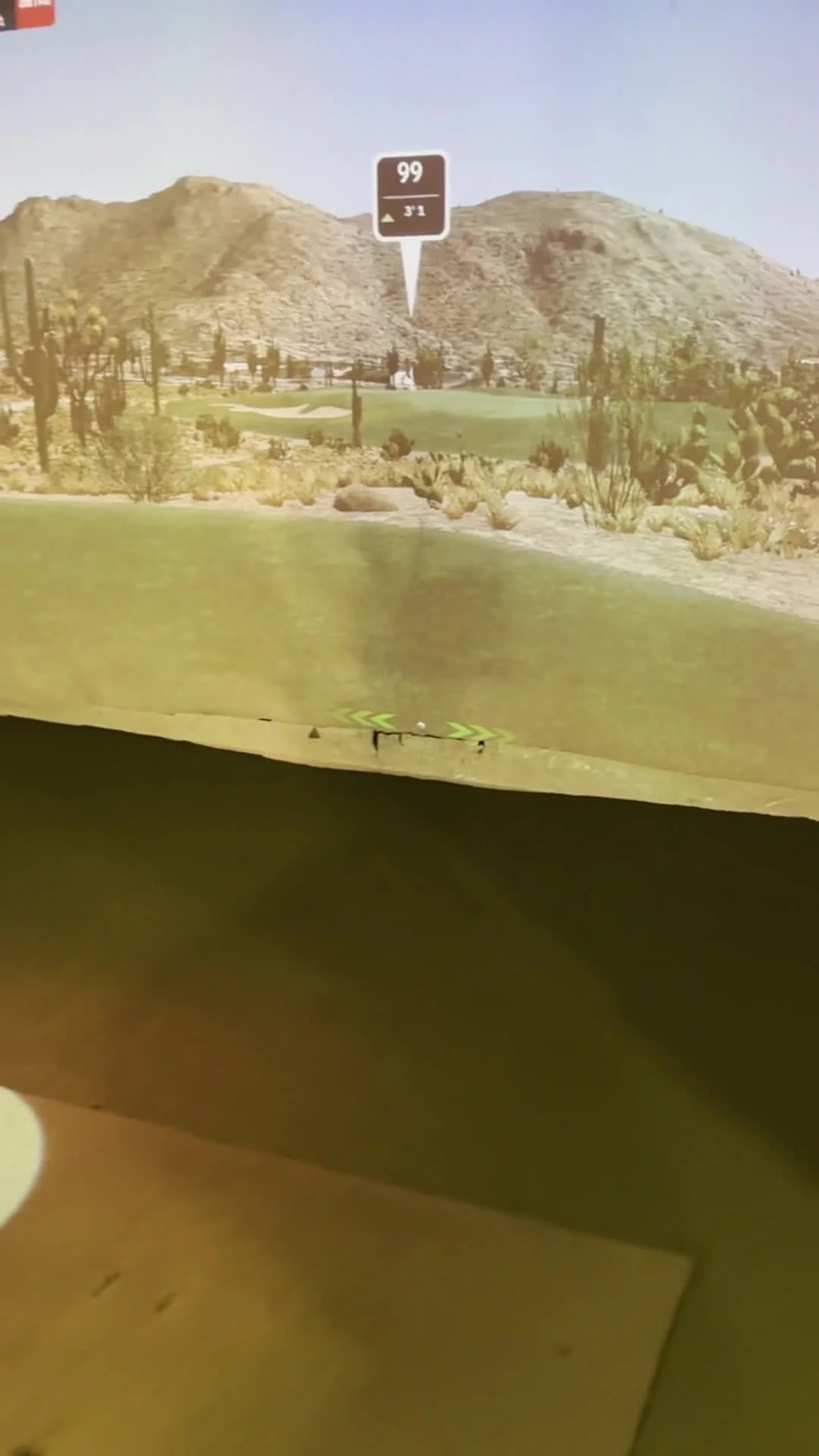
By following the three-step videos in order, you’ll be able to reset the system and save your game.
Step 2 — Perform the Reset
Follow the video instructions to power-cycle the simulator: shut down from the on-screen menu, then power off the main console.
Wait the recommended time (usually 10–30 seconds) before powering the console back on.
Allow the system to fully reboot and verify the main menu

This is how your set up a practice session